In today’s fast-paced digital world, smartphones are more than just devices—they’re productivity hubs, creative spaces, and essential communication tools. But what if your everyday messaging app could do more than send texts? With the integration of Meta AI into WhatsApp, that vision is becoming a reality.
Meta has introduced a powerful virtual assistant across its major platforms—Facebook, Instagram, Messenger, and now WhatsApp. This AI assistant is built on Llama 3.2, Meta’s most advanced language model, and it brings intelligent, context-aware interactions directly into your chats.
From creating images and summarizing information to translating languages and organizing group activities, Meta AI on WhatsApp is transforming how people interact with their mobile devices. This post will explore how this AI assistant works, what it can do, and why it may redefine your mobile experience.
Meta AI is a generative AI chatbot that uses natural language processing (NLP) to engage in realistic, useful conversations with users. Unlike basic automated responses or virtual assistants with limited understanding, Meta AI offers intelligent, adaptable replies based on the context of your chats.
On WhatsApp, Meta AI functions as an assistant embedded within your chat interface. You can interact with it directly—just like messaging a contact—or involve it in group chats. It’s designed to offer instant help, whether you’re looking for answers, creative content, or organizational support. This integration has been designed to feel natural, so it enhances your conversations without disrupting them.
Getting started with Meta AI is simple. If you're in a supported region and using the latest version of WhatsApp, you can access it right from the app:
Meta AI can also be accessed on WhatsApp Web, extending its functionality across devices.

Meta AI brings several features designed to enhance the personal mobile experience. Here’s how individuals can benefit from this AI-powered assistant:
Meta AI adds a layer of intelligence to your messaging. It can:
These capabilities make conversations more productive and personalized.
One of the standout features is the ability to create and edit images using text prompts. Users can describe the image they want, and Meta AI generates it within seconds. For content creators or social media enthusiasts, this eliminates the need for complex design tools. It allows anyone to produce high-quality visual content on the go.
Whether writing a blog intro, script for a vlog, or captions for social media, Meta AI helps enhance your projects with fresh ideas. Its language capabilities support both short and long-form content creation.
Meta AI supports real-time language translation, breaking down communication barriers between users who speak different languages. It is especially useful in a multilingual country like India, where people often need to communicate across regional or global boundaries.
Users can paste links or text into a chat with Meta AI and request a summary or explanation. Whether it's a long article, a message thread, or a complex concept, Meta AI simplifies it—saving time and boosting productivity.
Beyond individual use, Meta AI also enhances group dynamics. In group chats, it can act as a neutral assistant that contributes ideas, provides clarity, and helps with task management.
Groups working on projects—whether for school, business, or creative ventures—can use Meta AI to co-create content. It can:
This streamlines workflows and minimizes back-and-forth.
Meta AI can suggest action items based on the group conversation. For example, if someone suggests planning an event, Meta AI might outline a task list, assign roles, or recommend a timeline—turning casual chats into actionable plans.

While both Meta AI and ChatGPT are powerful language models, their integration with mobile platforms differs significantly.
Each assistant has its strengths, but for WhatsApp users, Meta AI’s native integration and real-time group participation offer a uniquely smooth and accessible experience.
The integration of Meta AI into WhatsApp marks a significant milestone in the evolution of mobile experiences. What was once a simple messaging app is now becoming a full-fledged AI-powered assistant capable of assisting in both personal and professional contexts.
From crafting content and managing tasks to enhancing group productivity and simplifying research, Meta AI brings a new level of interaction to the platform. It removes the need for switching between apps and provides intelligent, instant support directly within your chat window. As Meta continues to expand its AI capabilities, users can expect an even richer and more seamless experience in the near future.

Explore the most popular AI programming languages used in artificial intelligence projects. Learn why Python, R, and Julia are leading choices for developers worldwide

AI in Supply Chain Optimization helps businesses improve efficiency, reduce costs, and manage risks with smart technology and real-time solutions

Discover how autonomous robots can boost enterprise efficiency through logistics, automation, and smart workplace solutions

Discover how OpenAI’s o1-preview and o1-mini models advance reasoning, efficiency, and safety on the path to AGI.

Learn how CrewAI’s multi-agent AI system automates writing full-length articles directly from YouTube video content.

How to set upstream branch in Git to connect your local and remote branches. Simplify your push and pull commands with a clear, step-by-step guide

How AI APIs from Google Cloud AI, IBM Watson, and OpenAI are helping businesses build smart applications, automate tasks, and improve customer experiences
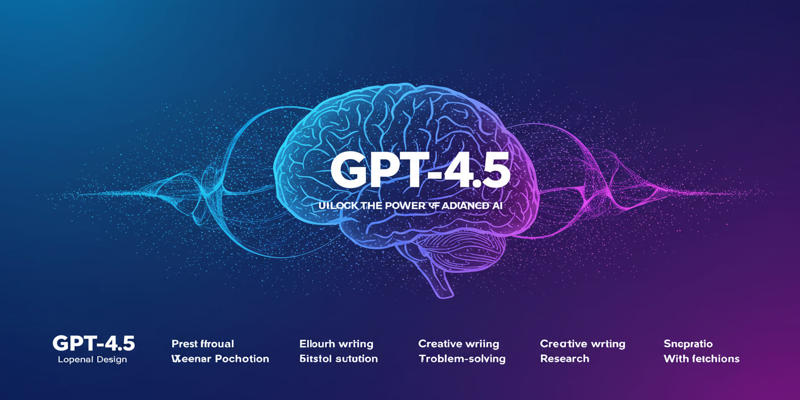
Every aspect of OpenAI's GPT-4.5, which presents better conversational performance alongside improved emotional awareness abilities and enhanced programming support and content creation features
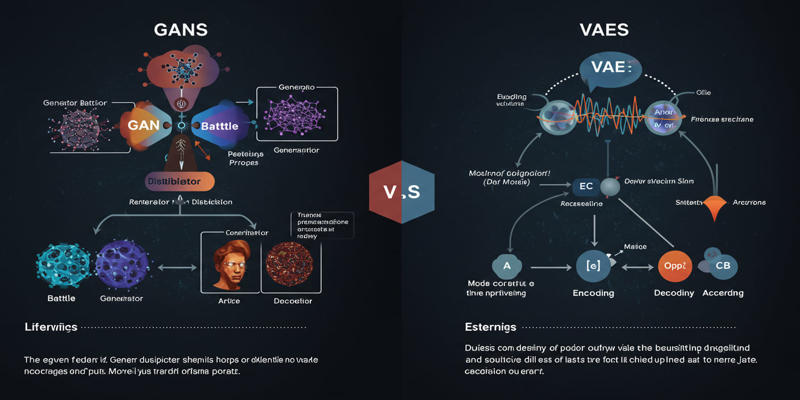
Study the key distinctions that exist between GANs and VAEs, which represent two main generative AI models.

Want to run AI without the cloud? Learn how to run LLM models locally with Ollama—an easy, fast, and private solution for deploying language models directly on your machine
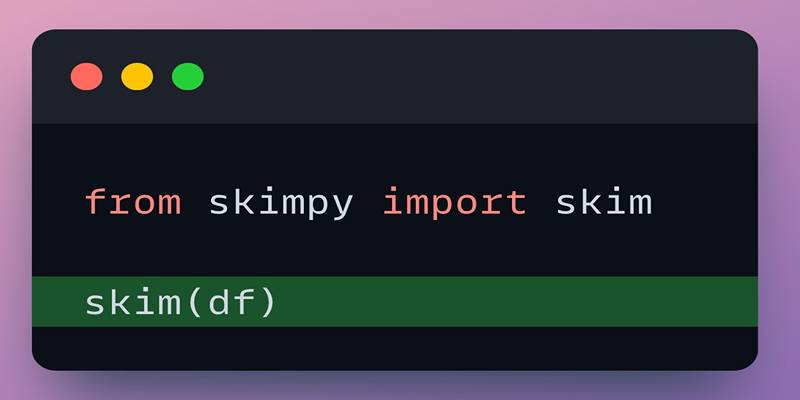
Explore Skimpy, a fast and readable tool that outperforms Pandas describe() in summarizing all data types in Python.

Explore how Meta AI on WhatsApp is revolutionizing mobile use with smart chats, planning, creativity, and translation.